Did you know that it’s still possible to watch Modern Family on Netflix in 2026? It’s true! It doesn’t matter where you’re located or what device you’re using, in a matter of 10 minutes or less, you can have access to eleven seasons of Modern Family online for free! Here’s how you can start streaming it today.

Key Takeaways
- Modern Family is accessible for streaming on Netflix in 20+ countries, including Hong Kong, Germany, and Canada, despite its absence from the US Netflix library.
- By using a reputable VPN service like Surfshark or NordVPN, you can trick Netflix into thinking you’re located in one of those countries and stream Modern Family for free.
- Netflix licenses titles by region. “Free” here means no separate title purchase or extra streaming subscription if your existing Netflix plan includes the show; Netflix and a suitable VPN may still cost money.
Recommended Tool: NordVPN
Try a different country connection with your existing Netflix account:
Most people don’t realize that Netflix licenses different movies and TV shows in different countries around the world.
So while Modern Family isn’t available to stream directly in the United States, it is available for viewing in 22 other countries across the world!
Because of this, all you need to do to watch Modern Family on Netflix is to trick the streaming service into thinking you’re located in a country where the show has been licensed. These country listing change every month, so you may need to try multiple country servers.
In this case, that would be:
Where to Stream Modern Family (and # of seasons)
- Hong Kong (11)
- Singapore (11)
- Thailand (11)
- Germany (11)
- Lithuania (11)
- Netherlands (11)
- South Africa (11)
- Japan (5)
- South Korea (11)
- Switzerland (11)
- Sweden (9)
- Mexico (11)
- Russia (11)
- Turkey (8)
- Portugal (3)
- Argentina (11)
- Belgium (11)
- Canada (11)
- France (11)
- Italy (11)
- Singapore (11)
- United Kingdom (7)
How can you watch a show when you’re not physically in one of those countries?
You need an active Netflix subscription and a suitable VPN plan. I use NordVPN and Surfshark for streaming, with Proton VPN as my privacy-focused alternative. This does not mean that a particular country connection will currently unlock Modern Family.
The 3-step process, which I’ll explain in more detail below, goes like this:
- Step 1: Install a suitable VPN such as NordVPN or Surfshark. If you’re not tech-savvy, watch this VPN installation video for the general setup process.
- Step 2: Connect to a country server. Try another supported server or region if necessary; the country list above is historical, so a missing show may reflect a lost license rather than a faulty connection.
- Step 3: Log in to Netflix, search for Modern Family, check the available seasons and try an episode.
If you want a confirmed US alternative, Peacock lists all 11 seasons. Hulu is another US option (that usually comes with a Disney+ subscription). In other words, check your account before paying for another service.
“Free” means avoiding another rental or streaming subscription when the show is included with the Netflix account you already have, even if VPN may add its own cost. And as an FYI…Netflix’s ad-supported experience does not support VPN viewing.
Note: Some of the links in this article are affiliate links, which means that at no extra cost to you, I may be compensated if you choose to use the services mentioned. I only recommend what I personally use, though, and I’m grateful for your support of this website!
Try Modern Family with Your Netflix Account (3 Steps)
For those who want more detail, here are the three steps for checking Modern Family through a VPN connection. They are a method to try, not a guarantee of current licensing.
Step 1: Purchase and Install a VPN
You may have never heard of a VPN before. Don’t worry, it’s nothing to be afraid of, I promise!
A VPN is software installed on your phone, tablet or computer that encrypts and routes internet traffic through a server. You can understand how a VPN works before setting one up.
It may sound weird, but this means that you can choose which country in the world you want your computer to appear to be browsing from.
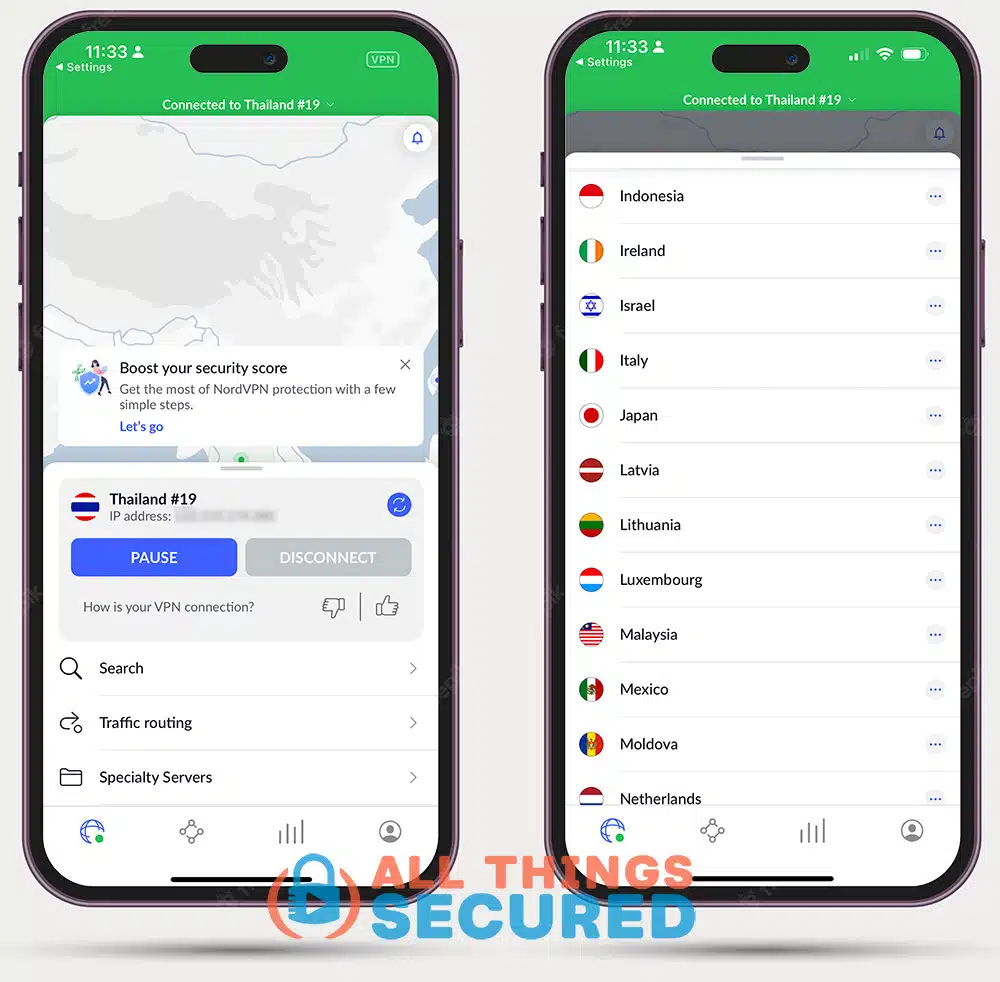
Netflix uses location information to determine the catalog, but a VPN can also limit viewing to globally licensed titles. A successful VPN connection is not proof that Modern Family is available.
There are many VPN services available. These are my three choices, with different priorities:
- NordVPN (Recommended for Streaming): I’ve used it for years for streaming while traveling, and keep an active account. Read my full NordVPN review for my broader experience.
- Surfshark (Best Value): Another service I use for streaming, including Netflix and Hulu. It has also worked well for watching Disney+ while traveling abroad. Individual titles and countries still depend on licensing.
- Proton VPN (Privacy-Focused Alternative): I use it when data privacy is my priority. A paid Proton VPN plan is required for its streaming support. It is not a guarantee of access to a particular show.
Keep in mind that each of these services carries a monthly or annual cost and there are many good VPN services available beyond what I share here.
I also use my VPN for a private connection at home and on public Wi-Fi, so its value isn’t limited to one show. Compare its cost with the extra streaming service you would otherwise buy.
Step 2: Connect to the Appropriate VPN Server
Once you’ve purchased, downloaded, and set up a VPN on your computer or device, the next step is to connect to the appropriate server.
For example, you can choose a German server in NordVPN. I’ve had good streaming speeds with those connections, but that does not establish that Germany currently has Modern Family on Netflix.
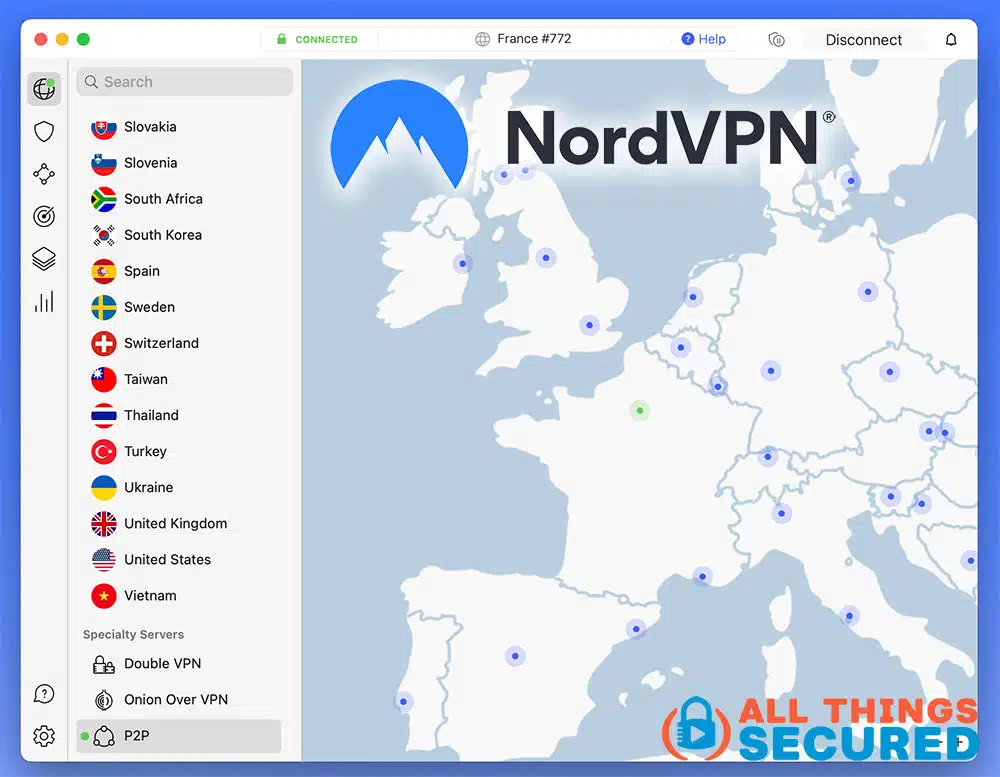
As you can see, you can choose from different cities within Germany if one happens to be slow.
Click a server to connect and then check Netflix. If the title is absent, try another current licensing lead or use a service that has the show in your country.
Step 3: Log Into Netflix and Find Modern Family
Before trying the new connection, close and reopen your Netflix browser tab or app. This may refresh the session, but it cannot guarantee a new catalog or bypass a Netflix VPN restriction.
After you’ve logged in to Netflix with the VPN connected, you won’t see any special notification or indication that you’re connected to a different country. The only change you’ll notice is an updated catalog.
Check the actual episode rather than relying on the server’s country label.
Now, feel free to search for your favorite Modern Family episode on Netflix. For me, it’s, “Phil’s Sexy, Sexy House” (Season 7, Episode 7).
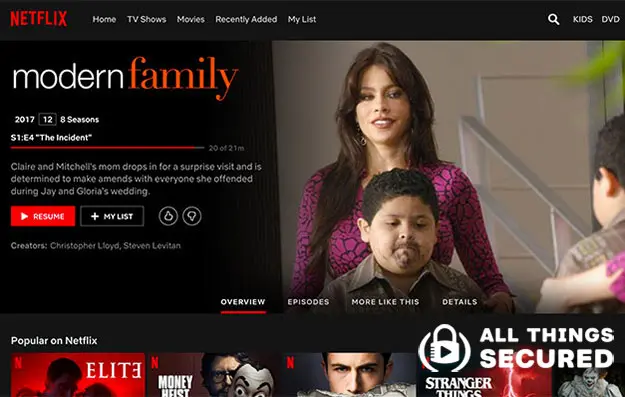
I’ve used VPNs to stream from China and Thailand, and it’s been great. A fast connection helps, but whether a particular show plays still depends on licensing and Netflix’s handling of the VPN.
Why You Need a VPN to Stream Netflix
Netflix, like pretty much every other streaming service, licenses shows and movies and because of this, they have to restrict viewing for specific countries.
This is known as geo-restricting or geo-blocking content. It’s regulating who can view content based on their geographic location.
To be honest, it’s ridiculous.
If I’m a paying customer, shouldn’t I get access to everything a platform licenses? Global licensing feels like long-distance calling back in the day. I hope those barriers fade as our world connects, but for now you can pay for another local service or try a country connection where Netflix has licensed what you want.
Amazon geo-restricts content.
Hulu geo-restricts content.
Pretty much any streaming service you can think of places limits on its content.
A VPN or another technology called SmartDNS may help change the region a service sees. Think of it like changing the license plate on a car: the car hasn’t moved, but the plate points somewhere else. SmartDNS does not provide the same encrypted tunnel as a VPN.

That analogy has limits: Netflix can recognize VPN/proxy connections, and the IP location is not a guarantee that you will receive the full regional catalog.
Those VPNs that are the best VPNs for streaming content give you the ability to “change the license plate” so to speak, in addition to encrypting and securing your internet connection.
For a broader explanation of Netflix regions and VPN setup, watch this video. It explains the approach rather than proving Modern Family’s current country availability:
Be sure to subscribe to the All Things Secured YouTube channel!
The setup is straightforward, but the catalog and VPN restrictions decide what you can watch.
Final Thoughts | Streaming Modern Family Online
If Modern Family is licensed in a Netflix country you can access, trying your VPN could save another subscription. Other sitcoms have separate licensing; our Big Bang Theory guide discusses that show rather than guaranteeing it is available here.
…trust me, it’s worth it.
Think of it as a short setup and catalog check before spending money elsewhere. If it works, you can settle in with Ty Burrell, Ed O’Neill and Jesse Tyler Ferguson as Phil, Jay and Mitchell, along with the rest of the family. The full series has 11 seasons; any particular service may offer a different selection.
I don’t know about you, but that seems like a pretty good trade. 🙂